Robot 2, demonstration
A question, a problem or a suggestion, don't hesitate : a little email
Power up
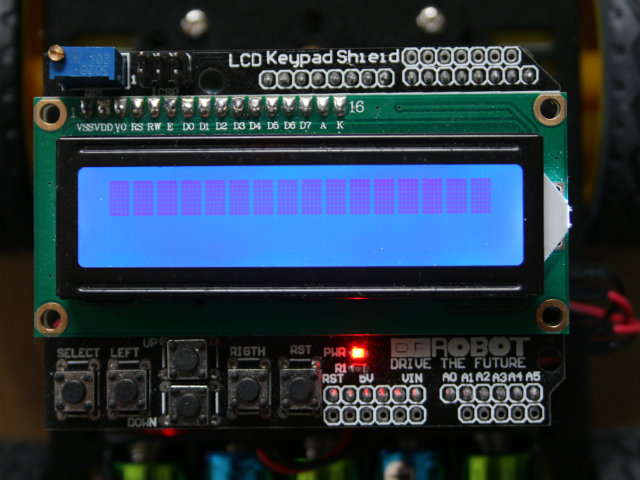
For this demonstration page, it is assumed that the robot is built, that its software has been downloaded and that the robot has been paired (in bluetooth sense) with the Android smartphone.
See the mechanical, electrical and software web pages if not already the case.
At the power up, the backlight of the display light-up.
The welcome message
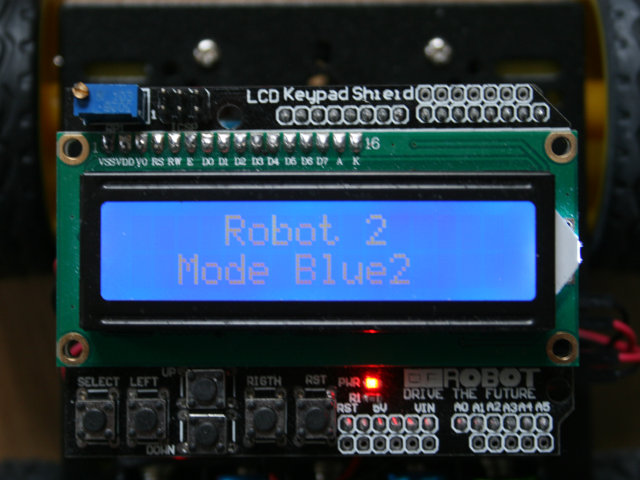
After a few seconds, a welcome message is displayed while the robot is initializing the software and the extension boards.
End of the initialization
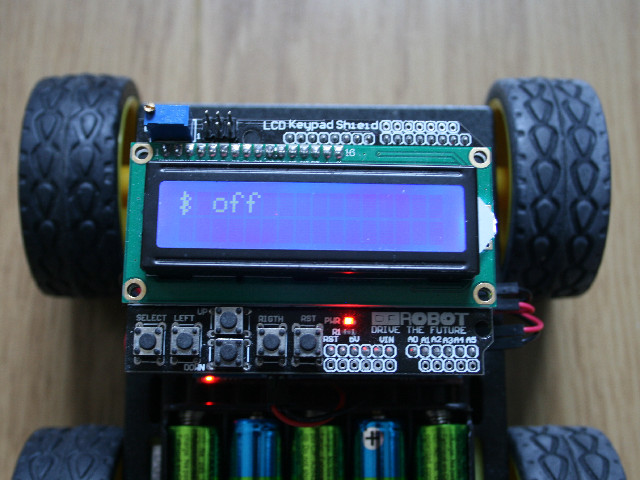
At the end of initialization, the bluetooth symbol is displayed with the status of the communication (here off because the smartphone software is not already running).
Android program launch
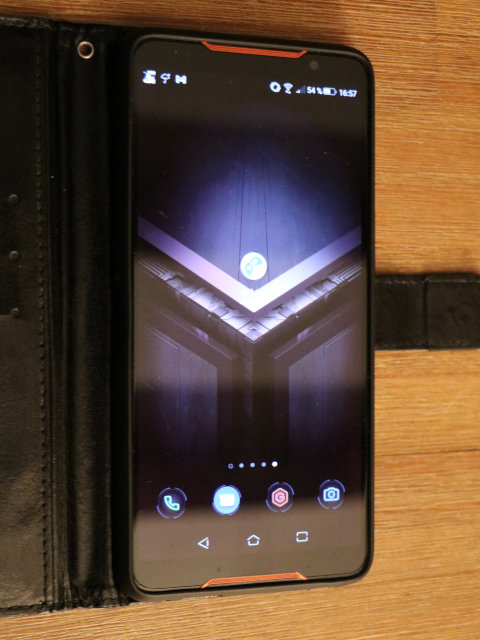
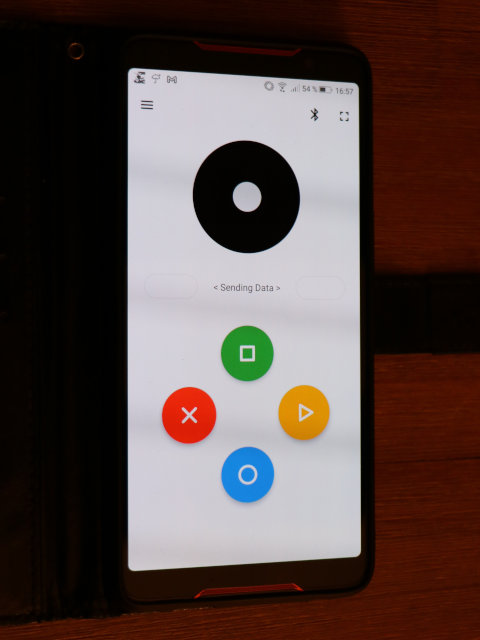
The Android program (Arduino Bluetooth Controlled Joysitck) is launched with the its icon (left picture).
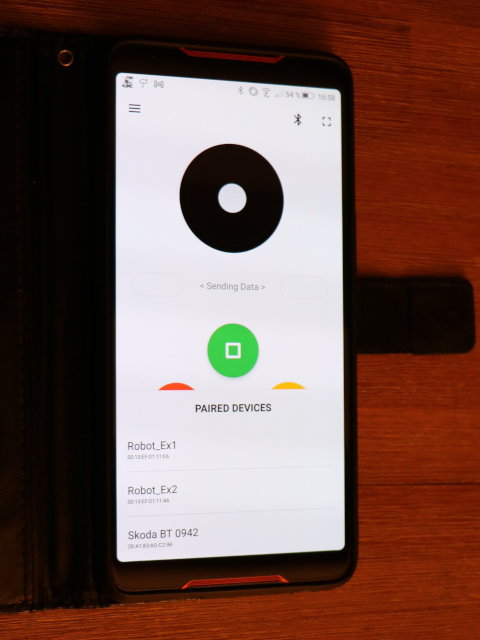
After a quick welcome screen, you enter the main interface (middle picture).
You select the robot using the BlueTooth icon and choosing (right picure) the ad-hoc system (the device eing already paired in the bluetooth sense).
Link established
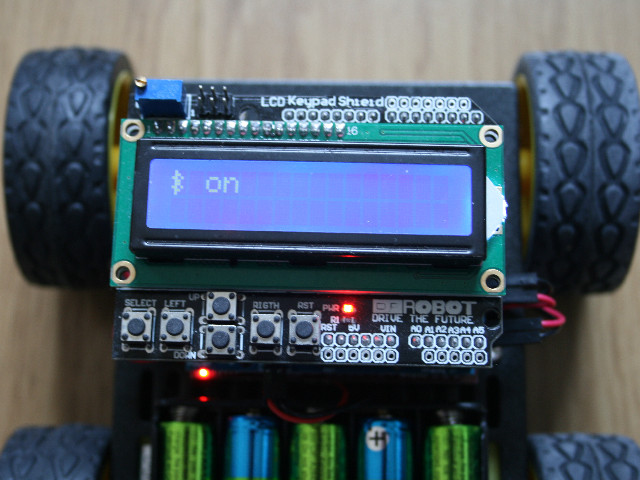
After establishing of the link (a few seconds), the display becomes "on" and a message is displayed on the smartphone.
The Arduino Bluetooth Controlled Joysitck commands
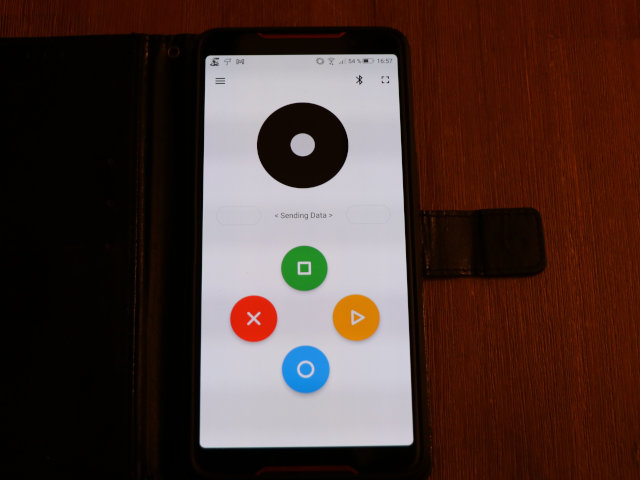
The Arduino Bluetooth Controlled Joysitck program controls the robot with the joystick.
Let's go !
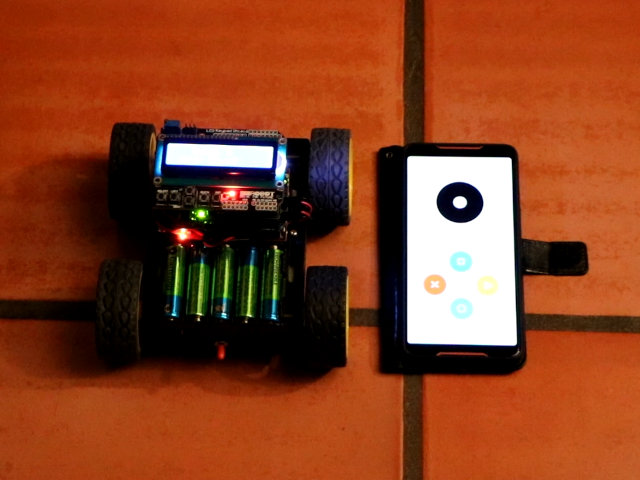
Next step it to have fun with it !
In addition to skill or speed games, you can have fights between two robots. The goal will then be to position yourself behind the opponent's robot and with your wheels to flip the opponent's switch. No contest possible!