Raspberry Home Page
Parlant 
V1.9
Last release : 21 April 2025

Click on the pictures to reach another web page or to display a full resolution picture.
Description of my experiments with a Raspberry PI 1 B model, 2, 3 B and 4 B model.
Actual content :
- Hardware,
- System installation,
- Remote control,
- Web server,
- Data server (Samba),
- Applications,
- GPIO port,
- Internet of Things (IoT).
I you have questions, complements,... a little email !

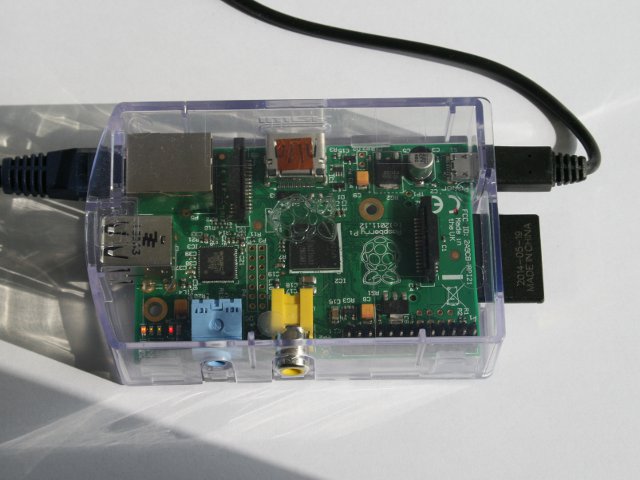
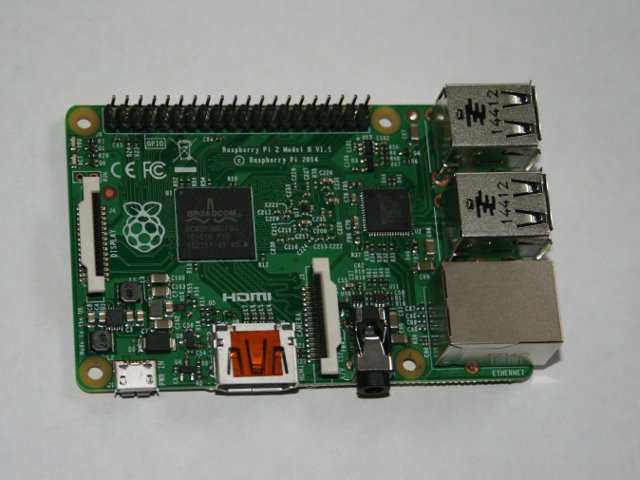
The hardware requested :
- In order to make the system working,
- In order to setup the system.
On the top, a Raspberry 1 B model and on the bottom a Raspberry 2.
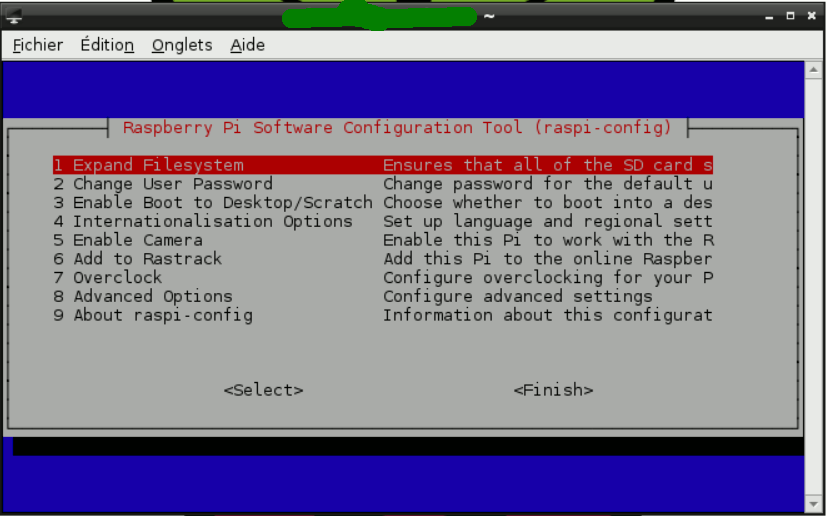
The setup of the system up to obtain an autonomous system linked with the internet and the minimal operations to have a securised system.
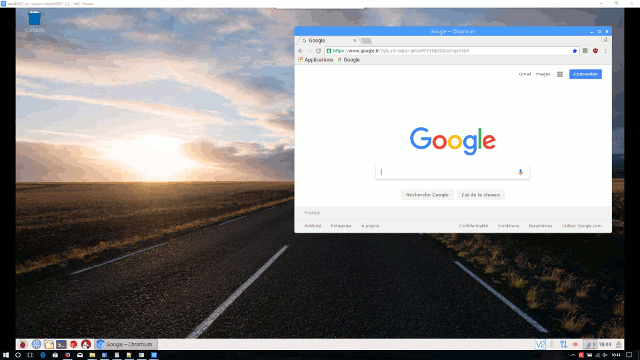
The remote control of the system with a standard PC (with a SSH link), the remote usage in text mode (PuTTY) or graphical mode (VNC) and the files transfert (FileZilla).
The setup of a web server on the Raspberry.

The setup of a data server (using Samba) on the Raspberry.
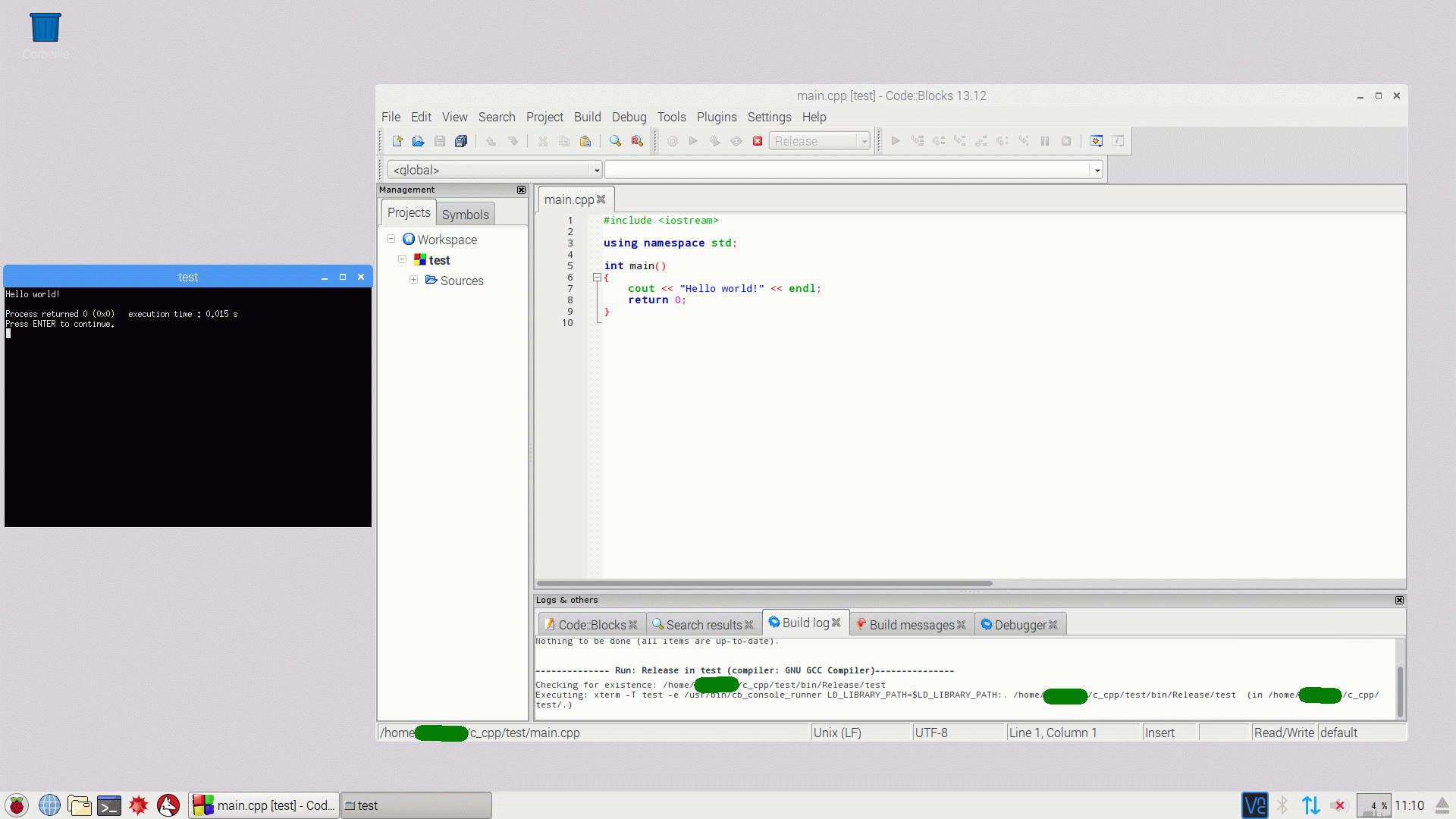
The applications I am using on the Raspberry PI :
- Code::Blocks (C, C++,... compiler),
- LibreOffice,
- Mathematica,
- VLC media player.
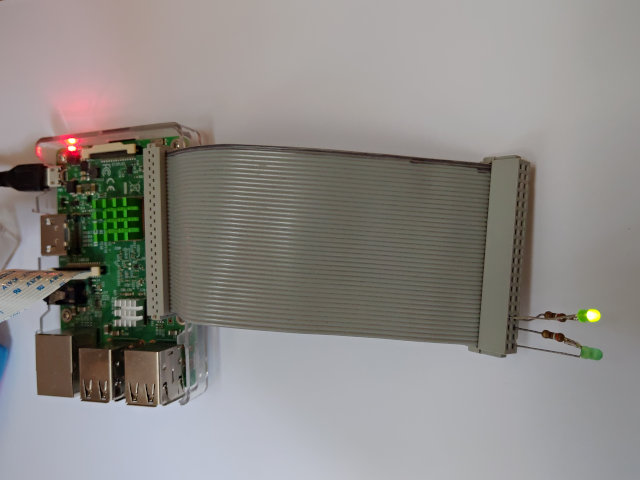
GPIO Port use with the Raspberry PI :
- Pinout and test device,
- Test using Python,
- Configuration and test in C/C++.
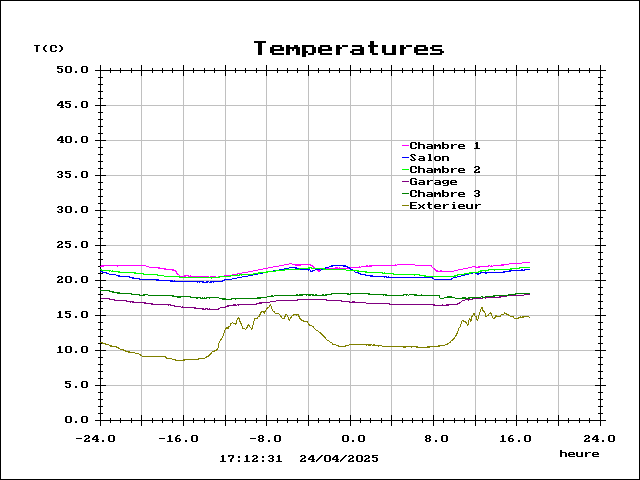
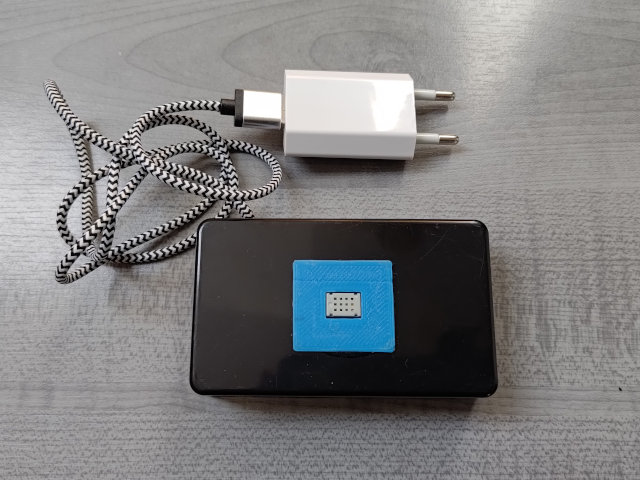
Applications for Internet of Things (IoT) using a MQTT Mosquitto server on the Raspberry PI :
- Setup of the MQTT server on the Raspberry PI,
- MQTT clock with the Sense Hat of the Astro PI,
- Meteo server using ESP8266 based sensors (my most significant personal projet mixing Raspberry, Electronics and Software).
News :
V1.9 : Update with Bookworm ans web page for Internet of Things
V1.8 : Upgrade of the web page following the new hosting
V1.7 : GPIO port web page
V1.6 : Update with Buster
V1.5 : Applications web page and Internet of Things (IoT) web page with a MQTT Mosquitto server
V1.4 : Use of VNC for remote control of your RPI in graphical mode (Jessie)
V1.3 : Upgrade of the web pages following the Jessie upgrade
V1.2 : Web server web page
V1.1 : System installation and remote control web pages
V1.0 : Very first release of the web page with the hardware page